Why Is My Phone Not Charging When Plugged In?
The most common reasons your phone won't charge are faulty power sources, damaged cables, or obstructed charging ports. Start by testing each component systematically to isolate the issue.
According to iFixit repair data, 23% of smartphone service visits involve charging port failures. USB-C ports typically withstand 10,000 insertion cycles before wear becomes problematic (USB-IF durability standards). Follow this diagnostic sequence:
Check power source first
- Test the outlet with another device
- Try a different wall adapter - older models may only output 5W
- Verify power strips aren't tripped
Inspect cable and adapter
- Look for frayed wires or bent connectors
- Check for burn marks near plugs
- Test with a known-good cable from replacement charging accessories
Examine charging port
- Shine a light to check for lint/debris
- Gently wiggle the cable - looseness indicates port damage
- Listen for click when inserting - no click suggests port wear
Test with different components
Swap one item at a time (cable, adapter, power source) to identify the faulty piece. Persistent issues may require professional port cleaning or replacement.
How Do I Fix Slow Charging on My Phone?
Slow charging usually stems from underpowered adapters, background apps draining power, or battery degradation. Modern phones require at least 18W for fast charging (USB PD 3.0 standard).
Key factors impacting speed:
- Adapter wattage: Standard 5W vs. 18W+ fast charging
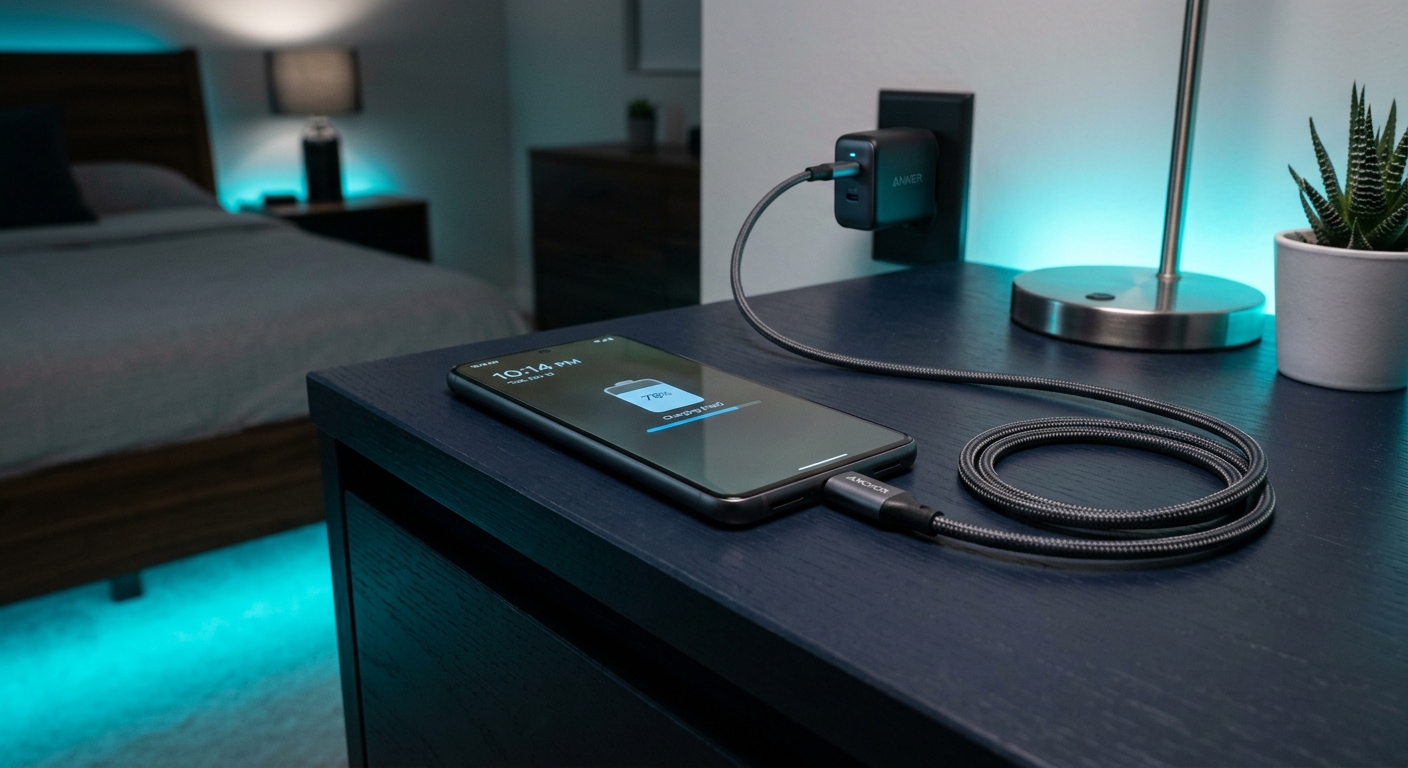
- Cable quality: Only USB-IF certified cables maintain full power
- Battery health: Below 80% capacity slows charging
- Usage during charging: Screen-on or apps running cut speed by 40%
Solutions:
- Use the original manufacturer's adapter or equivalent 18W+ model
- Enable airplane mode when rapid charging needed
- Replace cables showing resistance above 0.5Ω (measured with multimeter)
- Check battery health in settings (>80% is optimal)
For charger specifications, see our charger specifications guide.
Can a Dirty Charging Port Stop My Phone From Charging?
Yes, lint and debris in charging ports cause 38% of charging failures according to uBreakiFix repair statistics. Compacted dirt prevents proper cable seating and electrical contact.
Safe cleaning tools to use
- Anti-static brush (like iFixit's 0.8mm model)
- Plastic dental pick
- Compressed air (held upright)
- 90% isopropyl alcohol on swab
What not to do when cleaning
- Metal tools that can short circuits
- Excessive liquid that might damage sensors
- Sharp objects that scratch port contacts
- Blowing into the port (moisture causes corrosion)
Clean ports monthly if carried in pockets/purses. After cleaning, test with multiple insertion angles - proper connection should feel snug with no wobble.
What Causes Intermittent Phone Charging?
Intermittent charging results from loose connections, damaged cables, or failing power management chips. USB-C cables average 1,500-2,000 insertions before developing connection issues (Anker durability testing).
Symptom | Most Likely Cause | Solution
---|---|---
Charging stops when moved | Broken cable wires | Replace cable
Works only at certain angles | Port solder joints failing | Professional repair
Random charge/disconnect | Dirty contacts | Clean port
Pulsing charge indicator | Faulty power IC | Service center visit
For maintenance tips, see our accessory maintenance guide. Cables showing resistance fluctuations above ±10% during charging should be replaced immediately.
How Can I Tell If My Charging Cable Is Faulty?
Faulty cables show visible damage, inconsistent power delivery, or high resistance. Measure resistance between connector ends - readings above 0.8Ω indicate wear (USB-IF specification).
Visual inspection checklist:
- Fraying near connectors
- Kinks in cable body
- Discoloration at stress points
- Loose connector that wobbles
- Bent/missing pins inside plug
Performance tests:
- Try charging at full brightness - faulty cables may fail under load
- Check data transfer speeds - degraded cables throttle to USB 2.0
- Monitor charging current - fluctuations indicate internal breaks
Does Wireless Charging Damage Phone Battery?
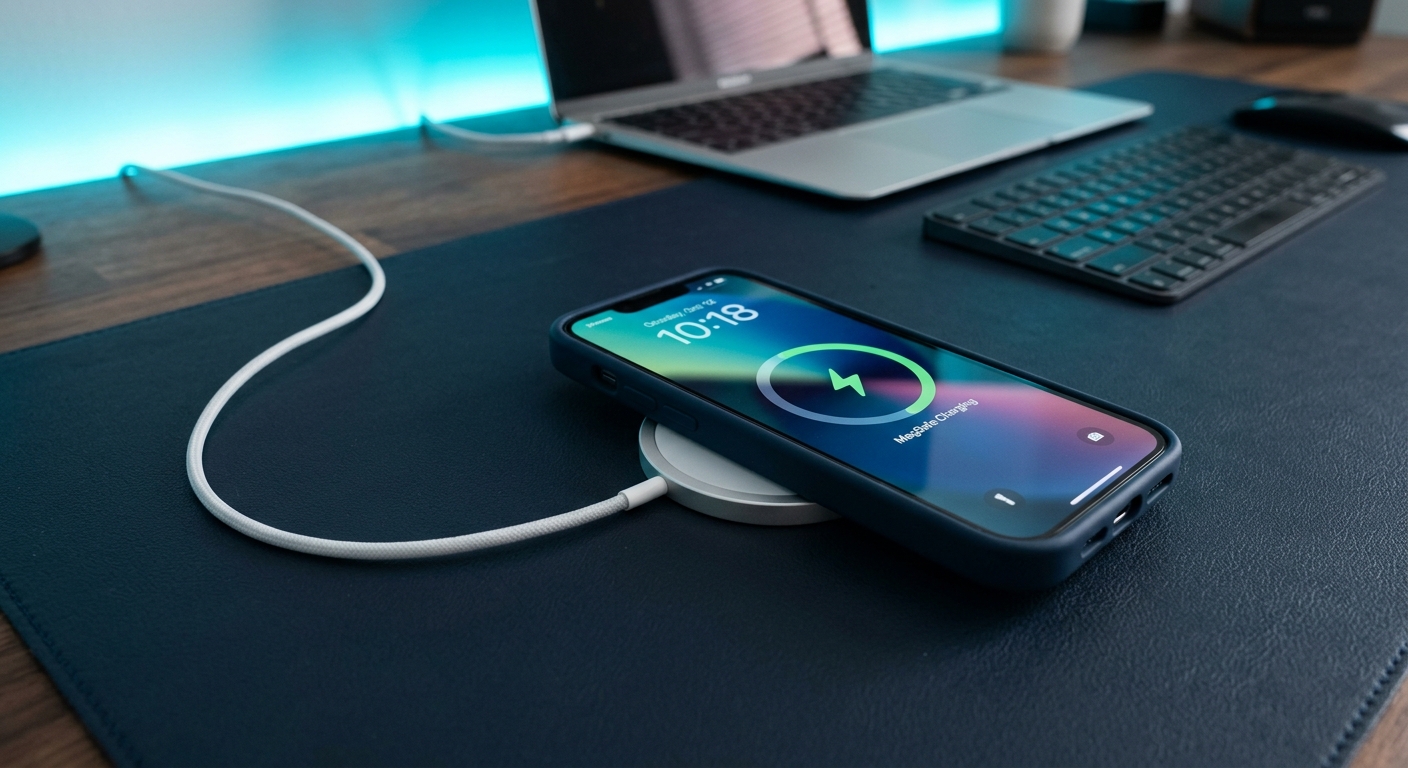
Wireless charging generates 5-8°C more heat than wired charging (IEEE thermal imaging studies), which can accelerate battery degradation if used excessively. Qi-certified chargers limit temperature to 40°C for safety.
Pros | Cons
---|---
Convenient placement | 15% slower than wired
Reduces port wear | Heat reduces battery lifespan
Standardized compatibility | Must align perfectly
No cable damage risk | Incompatible with some cases
For optimal battery health:
- Remove thick cases during wireless charging
- Don't charge wirelessly in hot environments
- Alternate between wired and wireless methods
- Use quality Qi-certified pads
What's the Bottom Line on Troubleshooting Phone Charging Issues?
Systematic testing identifies most charging problems quickly without expensive repairs. Start with the simplest solutions before assuming hardware failure.
- Component isolation fixes 60% of issues by swapping cables/adapters
- Monthly cleaning prevents 40% of charging port failures
- Cable replacement every 12-18 months maintains optimal performance
- Professional diagnosis needed for persistent electrical issues
For reliable replacements, browse our charging accessories collection with USB-IF certified products.