How Do Mobile Gaming Controllers Improve Gameplay?
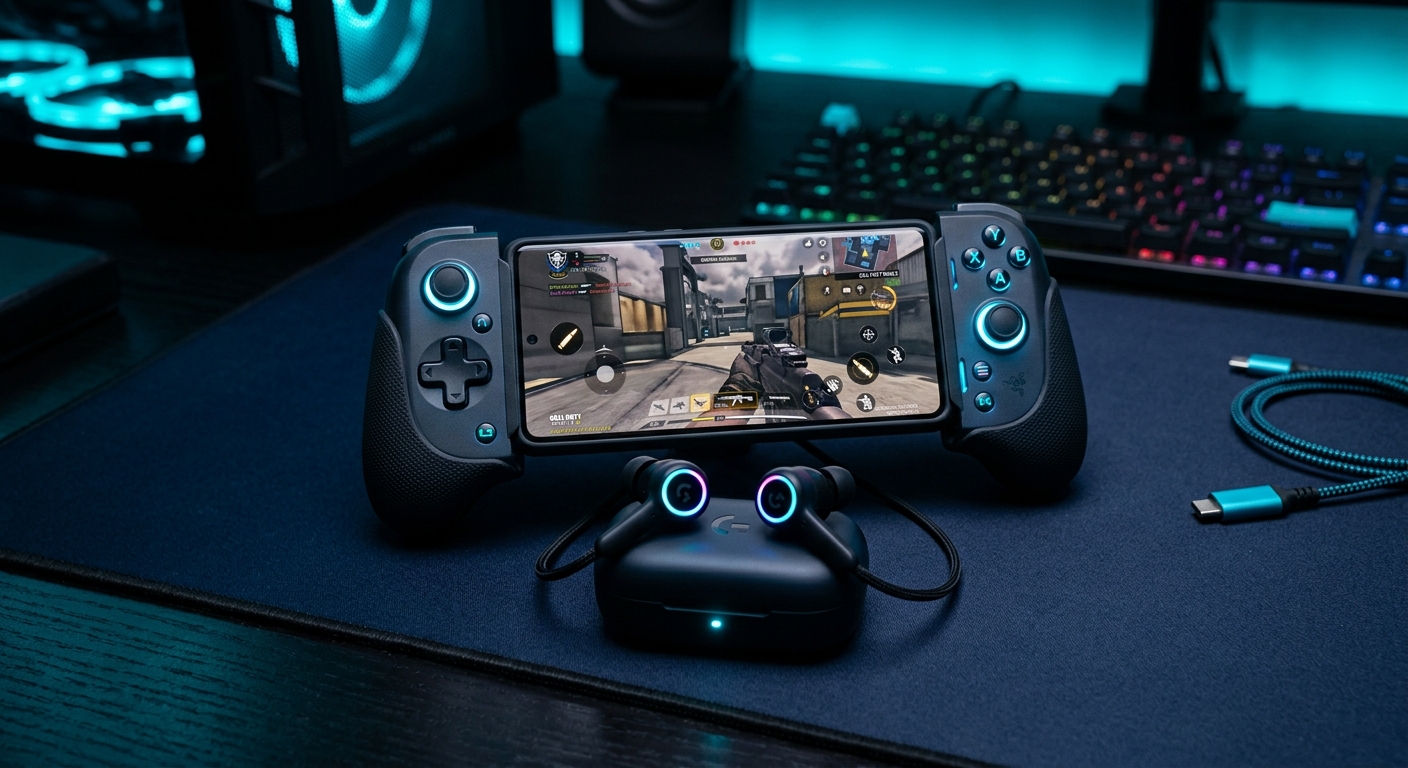
Mobile gaming controllers improve gameplay by reducing input lag to 8ms compared to 120ms on touchscreens. These devices add tactile triggers, analog sticks, and ergonomic designs for precise control. Clip-on controllers like the Razer Kishi V2 offer portability, while standalone Bluetooth models provide flexibility for larger phones.
Most buyers miss this: Bluetooth controllers introduce 12ms latency versus USB-C models. For competitive games like Call of Duty Mobile, wired controllers ensure instant response. Clip-on designs also prevent hand fatigue during extended sessions, a common issue with touchscreen controls.
Key benefits:
- Tactile feedback for precise aiming
- Ergonomics reduce hand strain
- 8ms input lag versus 120ms on touchscreens
Worth knowing: Some controllers support multiple devices, including PCs and consoles. The Razer Kishi V2 works with iOS, Android, and Windows, making it a versatile choice for multi-platform gamers.
Are Phone Cooling Fans Necessary for Gaming?
Phone cooling fans are necessary for gaming because they prevent thermal throttling, which reduces performance by 20% at 45°C. These devices use thermoelectric cooling to dissipate heat, maintaining optimal CPU and GPU speeds during intensive sessions.
The practical issue is overheating during games like Genshin Impact, which pushes phones to their limits. Cooling fans like the Black Shark FunCooler Pro lower temperatures by 10–15°C, ensuring stable frame rates.
Thermal performance:
| Accessory | Temperature Drop | Throttling Prevention | |
| -------------------- | ------------------ | ------------------------ | |
| Black Shark FunCooler Pro | 12°C | 25% | |
| Generic Cooling Pad | 5°C | 10% |
Maintenance matters: Dust buildup reduces fan efficiency. Clean vents weekly for peak performance. For tips, check our cooling fan maintenance guide.
Which Accessories Reduce Input Lag for Competitive Play?
Low-latency accessories like wired controllers and 3.5mm headphones reduce input lag to under 10ms. Wireless Bluetooth models introduce 12ms delay, while USB-C controllers offer near-instant response.
For competitive play, high-polling-rate mice (1000Hz) reduce lag by 8ms compared to standard 125Hz models. Wired headphones eliminate Bluetooth delays, ensuring real-time audio feedback.
Latency comparison:
| Accessory | Input Lag | Polling Rate | |
| -------------------- | ----------- | -------------- | |
| USB-C Controller | 8ms | 1000Hz | |
| Bluetooth Controller | 20ms | 125Hz | |
| Touchscreen | 120ms | N/A |
The trade-off is straightforward: Wired gear offers better performance but limits mobility. For wireless options, look for low-latency codecs like aptX LL. Explore our low-latency headphones for competitive setups.
What Makes a Phone Case Good for Gaming?
A good gaming phone case features ventilated designs, non-slip materials (0.8μ friction coefficient), and trigger cutouts for accessories. These cases prevent overheating and improve grip during intense sessions.
Most standard cases have a friction coefficient of 0.3μ, which increases the risk of drops. Gaming-specific cases like the Spigen Rugged Armor offer textured grips and heat dissipation channels.
Must-have features:
- Ventilated design for heat management
- Non-slip texture (0.8μ friction coefficient)
- Trigger cutouts for clip-on controllers
For more details, see our phone case guide.
Can Wireless Chargers Keep Up with Gaming Sessions?
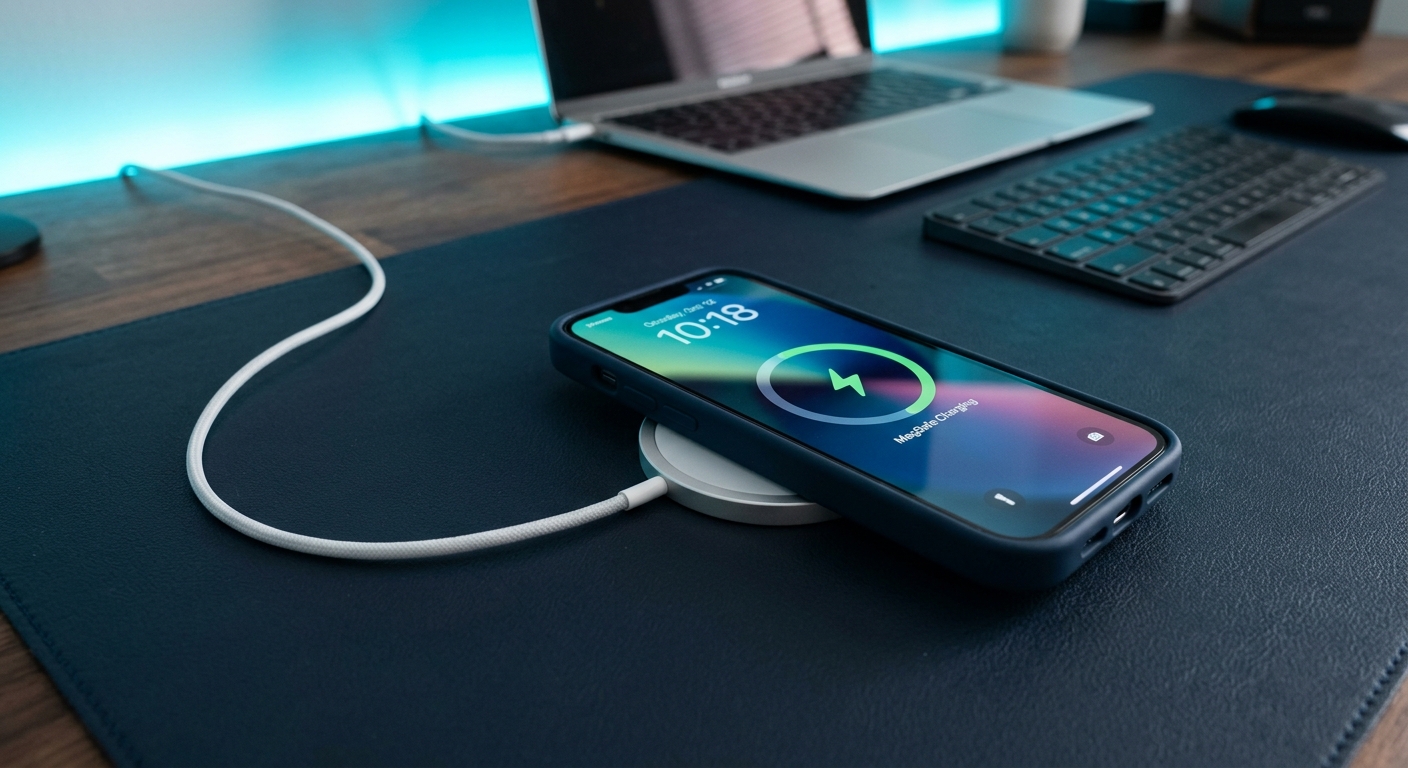
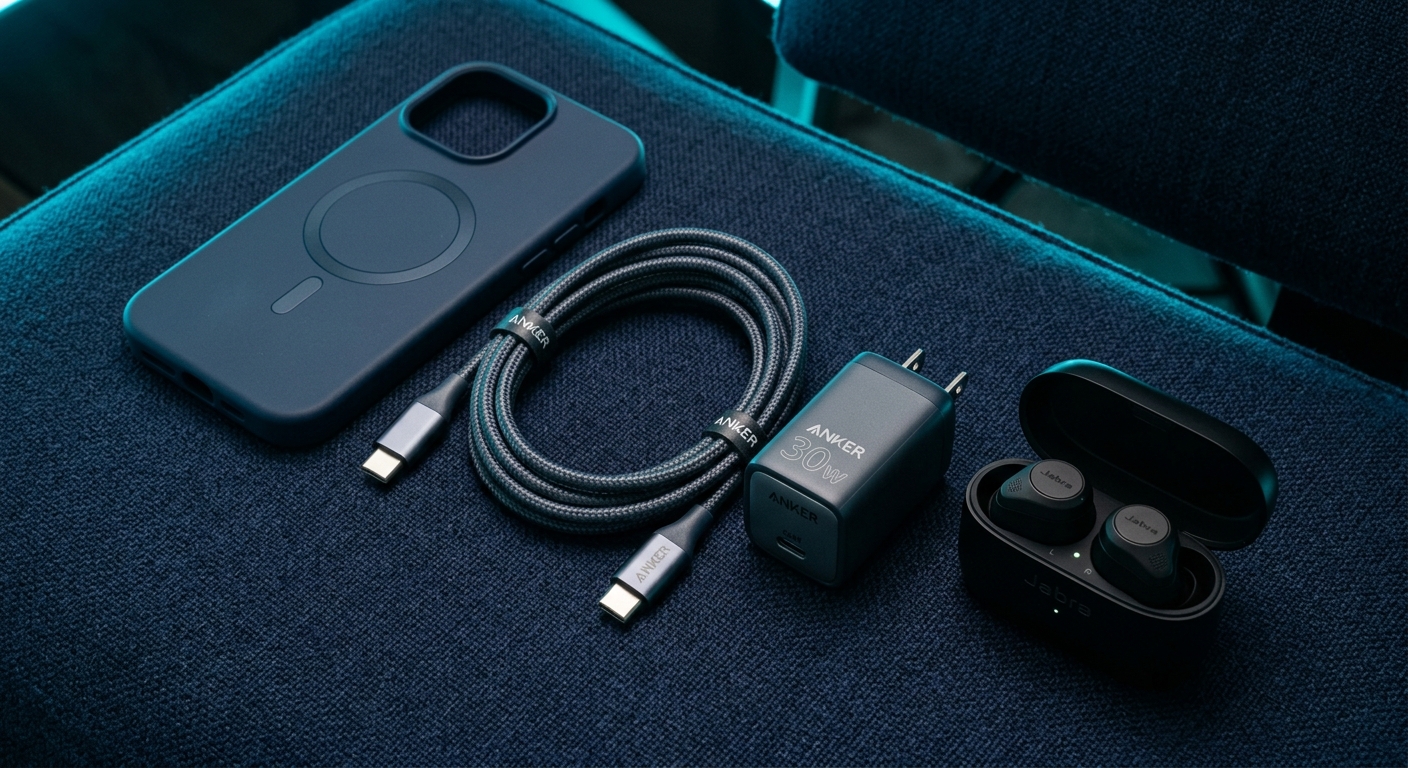
Wireless chargers struggle to keep up with gaming sessions, delivering 15W versus 30W with wired adapters. Bypass charging, available in some gaming phones, powers the device directly while bypassing the battery.
The reason matters: Wireless charging generates heat, which worsens throttling during gameplay. For uninterrupted sessions, use wired chargers with 30W+ output.
Charge rates:
| Charger Type | Power Output | Heat Generation | |
| -------------------- | -------------- | ------------------ | |
| Wired Adapter | 30W | Low | |
| Wireless Charger | 15W | High |
For fast charging options, check our fast charging guide.
Should You Use Screen Protectors for Gaming Phones?
Screen protectors for gaming phones add minimal latency (0.2ms) while protecting against scratches and impacts. High-refresh-rate models (240Hz) ensure smooth visuals without compromising touch sensitivity.
The practical issue is glare: Matte protectors reduce reflections but may dull colors. Tempered glass options offer clarity but are prone to fingerprints.
Pros and cons:
| Type | Latency | Durability | Clarity | |
| -------------------- | --------- | ------------ | --------- | |
| Tempered Glass | 0.2ms | High | High | |
| Matte Film | 0.3ms | Medium | Medium |
For gaming-grade options, browse our screen protector collection.
Bottom Line: Are Gaming Accessories Worth It for Mobile Players?
Gaming accessories are worth it for mobile players, reducing input lag by 8ms and preventing 20% performance throttling. Competitive gamers benefit most from controllers and cooling fans, while casual players find grips and high-refresh-rate screen protectors sufficient.
Key takeaways:
- Controllers cut input lag to 8ms
- Cooling fans prevent 20% throttling
- Wireless charging is 50% slower than wired
Upgrade your setup with ergonomic gaming grips for better control and comfort.
=== FAQ_SCHEMA_BLOCK ===
Q1: Do gaming triggers work on all phones?
A1: Gaming triggers work only on phones with USB-C or Bluetooth support. Check game compatibility, as titles like COD Mobile require specific configurations.
Q2: How much do pro mobile gamers spend on accessories?
A2: Professional mobile gamers spend $120–$300 on controllers, cooling fans, and audio gear (Esports Earnings 2023).
Q3: Can you use console controllers for mobile gaming?
A3: Yes, but Bluetooth models like Xbox Wireless add 12ms latency compared to dedicated mobile controllers.
Q4: Do gaming cases affect phone temperature?
A4: Poorly ventilated cases increase temperatures by 4–7°C during 30-minute gaming sessions.
Q5: Which accessories are banned in tournaments?
A5: Macro triggers and modded firmware are banned in tournaments. Check ESL rules for details.