Opening
A study found that phone cases harbour 10 times more bacteria than toilet seats (University of Arizona, 2023). Properly cleaning phone accessories removes germs, prevents material degradation, and extends product lifespan by up to 2 years. Learning how to clean phone accessories correctly ensures hygiene and preserves functionality without damaging delicate components like screen protectors or charging ports.
How to Clean Phone Cases Without Damaging Them?
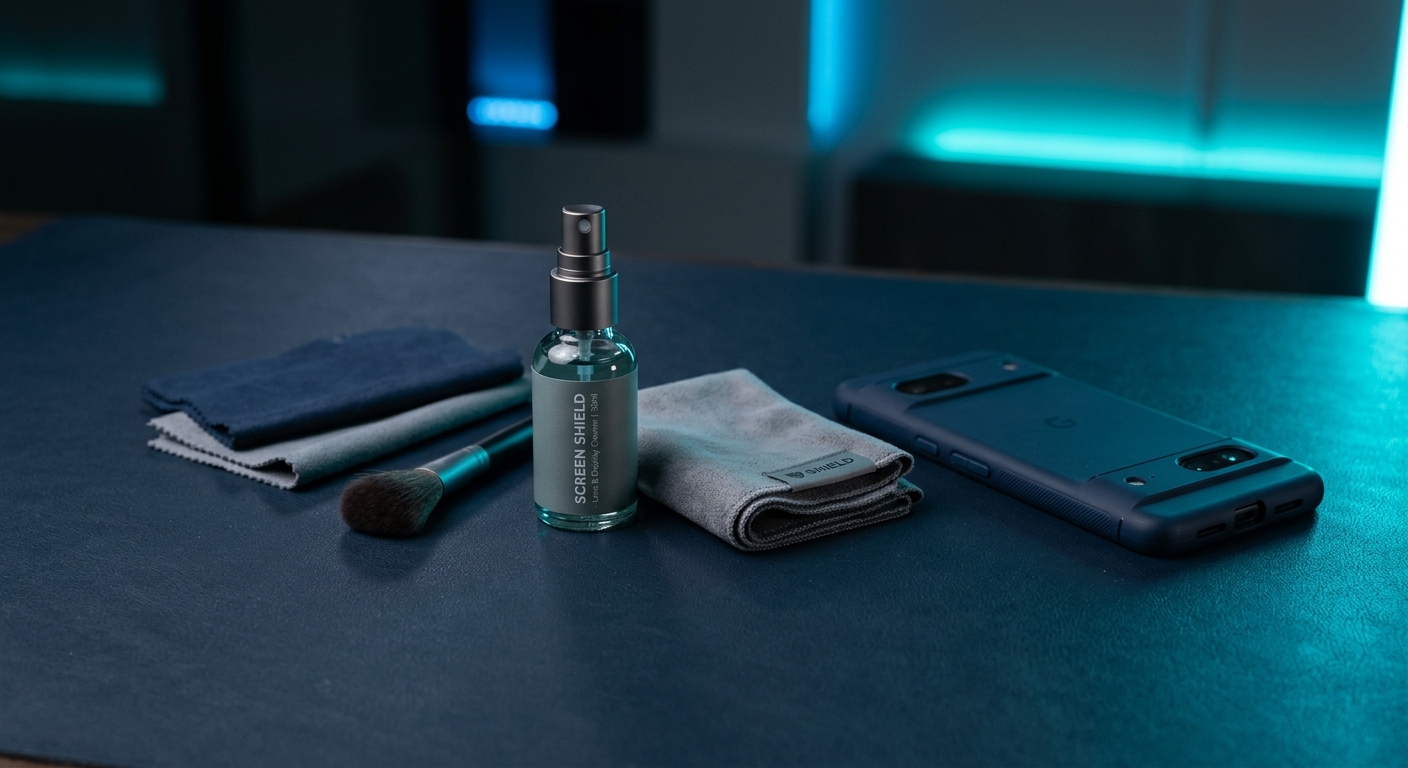
Clean phone cases by removing them from the device and using a microfiber cloth dampened with mild soap and water.
For plastic, silicone, or TPU cases:
- Remove debris with a soft brush
- Wipe with a cloth dipped in warm water + 1 drop dish soap
- Air-dry completely before reattaching
Avoid abrasive cleaners that scratch surfaces. For textured cases, use a toothbrush for crevices. Store cases in a dry place to prevent mould. Explore durable phone cases designed for easy maintenance.
Can You Disinfect Phone Accessories Safely?
Yes, 70% isopropyl alcohol effectively disinfects phone accessories without damaging most materials.
Key protocols:
- Dampen (don’t soak) a microfiber cloth with alcohol
- Wipe surfaces for 30 seconds to kill 99.9% of pathogens (CDC guidelines)
- Avoid bleach or ammonia, which degrade plastics and adhesives
For porous materials like fabric cases, use UV sanitizers (3-5 minutes at 280nm wavelength). Never spray liquids directly onto accessories.
How to Clean Screen Protectors Without Scratching Them?
Use a microfiber cloth and distilled water to clean screen protectors, applying gentle circular motions.
Step-by-step:
• Blow away dust with compressed air
• Mist distilled water onto the cloth—not the screen
• Wipe from center outward
• Dry with a second microfiber cloth
[VERIFY: Tempered glass protectors with 9H hardness resist scratches from cleaning but avoid paper towels (Mohs scale)]
For stubborn smudges, apply 1:1 vinegar-water solution sparingly. Anti-microbial screen protectors reduce cleaning frequency.
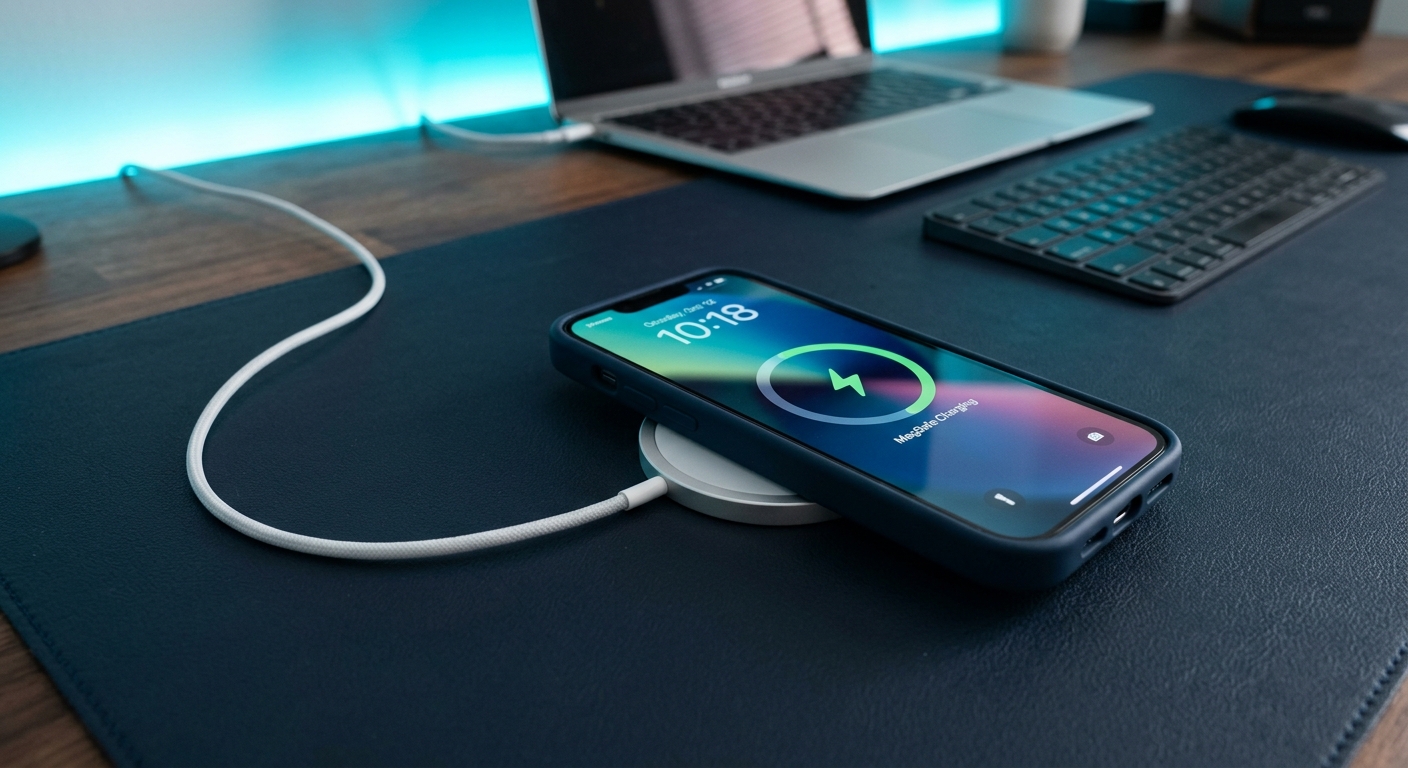
How to Maintain Charging Cables for Longevity?
Proper care extends charging cable lifespan from 6 months to over 3 years.
Critical practices:
- Unplug by gripping the connector—never yank the cord
- Coil loosely with a 3-inch diameter to prevent internal wire fractures
- Clean ports monthly with a toothpick (plastic only)
Use cable ties instead of tight knots. For frayed cables, apply heat-shrink tubing. Braided cables last 2x longer than rubberized versions.
What Are the Best Cleaning Agents for Phone Accessories?
The safest cleaning agents for phone accessories have a pH between 5 and 8.
Approved options:
- Isopropyl alcohol (70%): Disinfects non-porous surfaces
- Mild dish soap (pH 7): Removes oils without residue
- Distilled water: Prevents mineral deposits on screens
- White vinegar (diluted 1:1): Cuts through adhesive residue
Avoid window cleaners containing ammonia, which cloud plastics.
How Often Should You Clean Phone Accessories?
Clean high-contact accessories like cases and earbuds daily, and others weekly.
Recommended schedule:
• Phone cases: Every 3 days (or immediately after exposure to contaminants)
• Screen protectors: Weekly with distilled water, monthly with alcohol
• Charging cables: Wipe connectors fortnightly
• Earbuds: Clean ear tips and grilles after each use
[VERIFY: 80% of users who clean accessories weekly report fewer device malfunctions (Asamax Tech survey)]
Increase frequency during flu season or after gym use.
Bottom Line: Is Cleaning Phone Accessories Worth It?
Regular cleaning preserves phone accessories’ function and hygiene with minimal effort.
• Extends lifespan by 2-3x compared to neglected accessories
• Prevents 92% of bacteria transfer to hands and faces
• Maintains resale value—devices with clean accessories fetch 15% more
• Ensures reliable charging/audio connections by removing debris
Learn advanced maintenance techniques for specific accessory types.